
LEGAL CASE MANAGEMENT FOR INDIAN ADVOCATES
Run every matter from one clear hearing dashboard.
Peshi helps advocates manage case lifecycles, track hearings, organize client files, and send automated WhatsApp/SMS reminders. Multilingual and built for modern practices.
• OTP-secured login • Multilingual onboarding • Free to start
CORE CAPABILITIES
Everything an advocate needs, organized and simplified.
Ditch the paper diaries and scattered chats. Peshi brings case logistics into a clean, modern digital workspace.
Hearing Dashboard
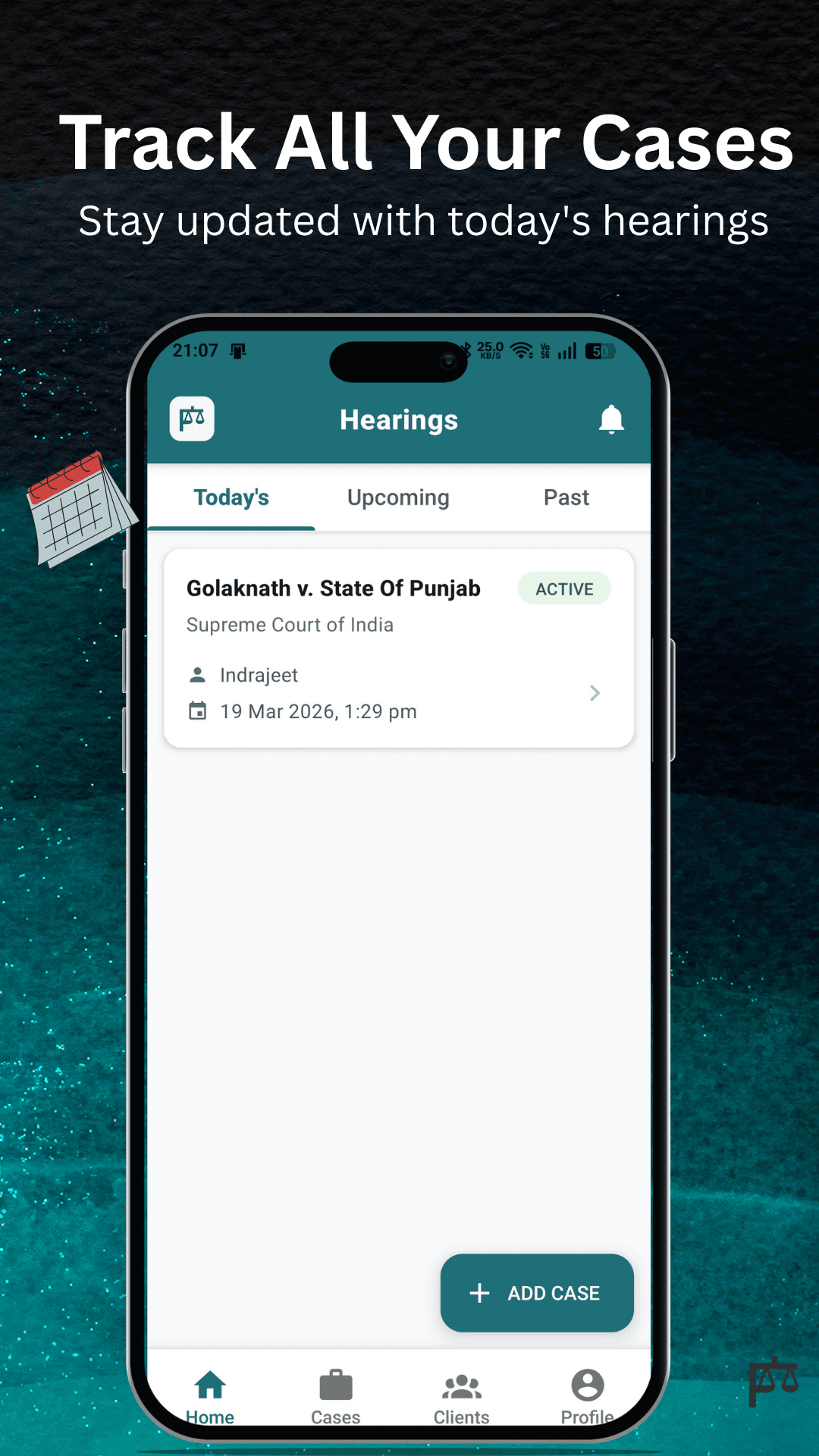
Review today's, upcoming, and past hearings in a single timeline view. Ditch the paper notebook clutter and know exactly when and where your next matter is scheduled.
Categorized tabs for Today, Upcoming, and Past matters
Immediate visibility of court numbers and judge details
Optimized for high-speed retrieval under court pressure
Case Lifecycle Management
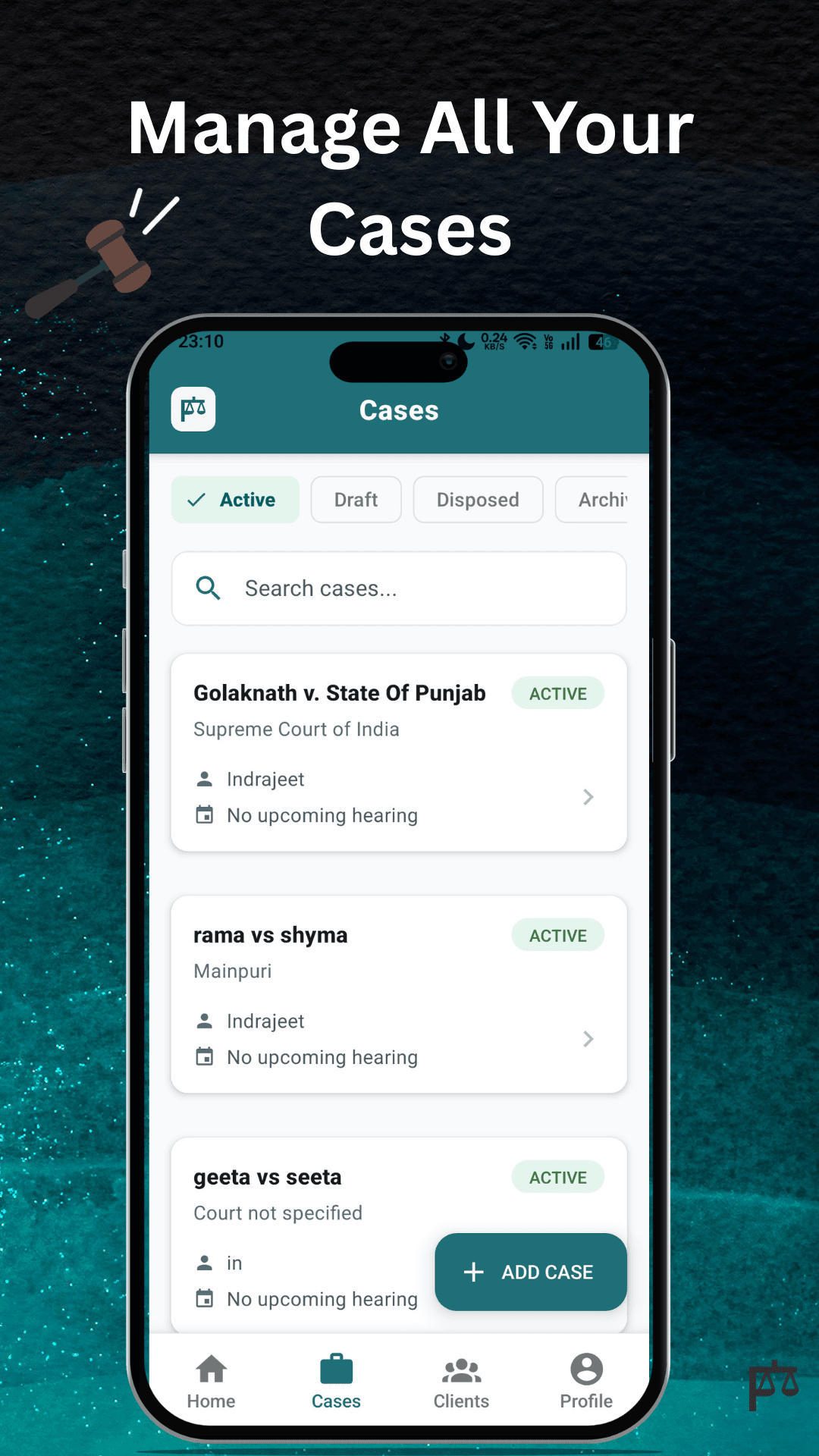
Track matters step-by-step from initial draft to archives. Keep your dashboard clean by filtering and categorizing cases by their current status.
Standard states: Draft, Active, Disposed, and Archived
Quick status review before hearing dates
History logs detailing past case updates
Smart Reminder Control
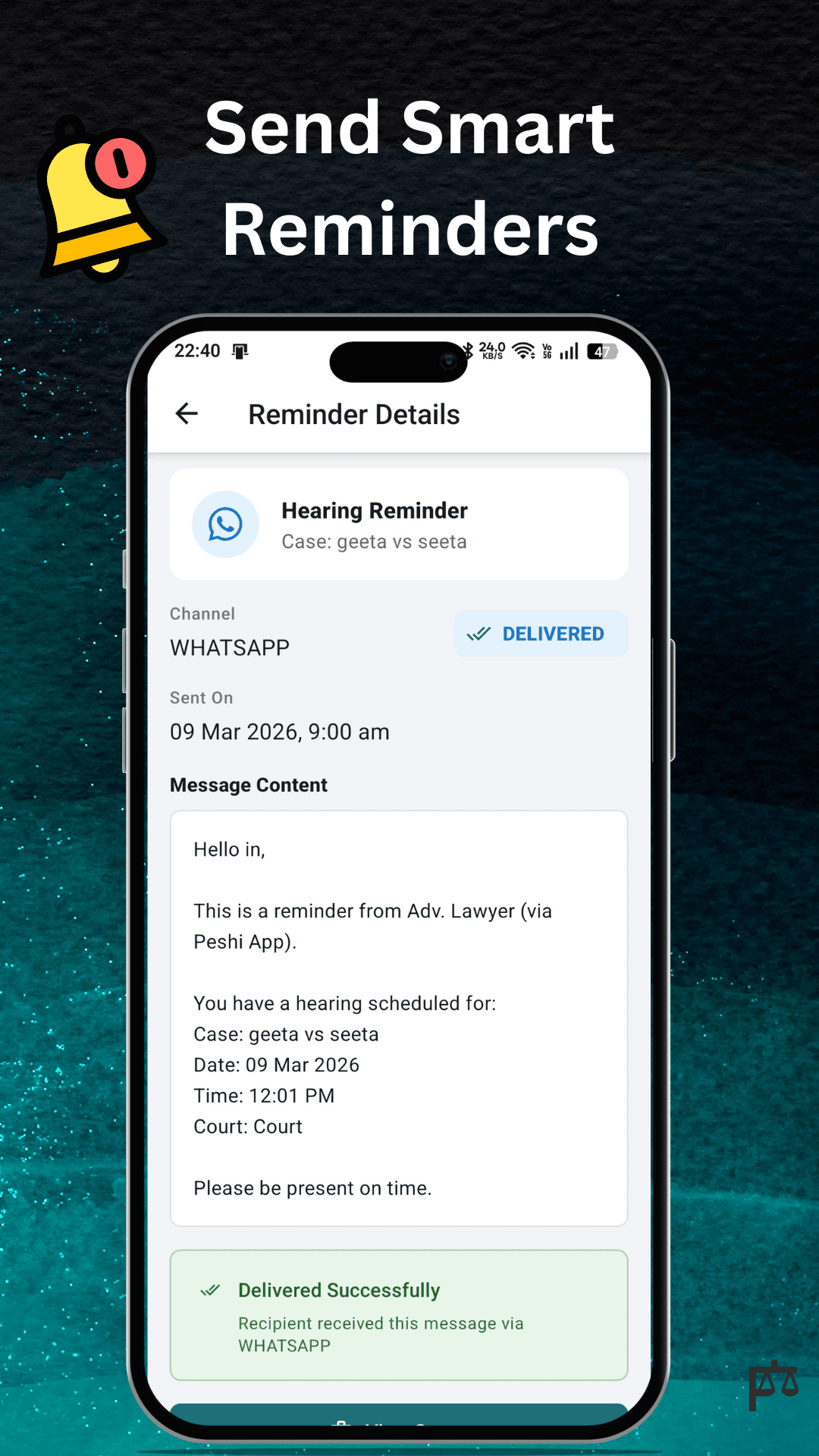
Configure automated notification channels for clients to keep them updated on case milestones, new hearings, and pending actions.
Direct integration with WhatsApp and SMS
Granular control: toggle reminders off or on per case
Automated templates to keep client follow-ups professional
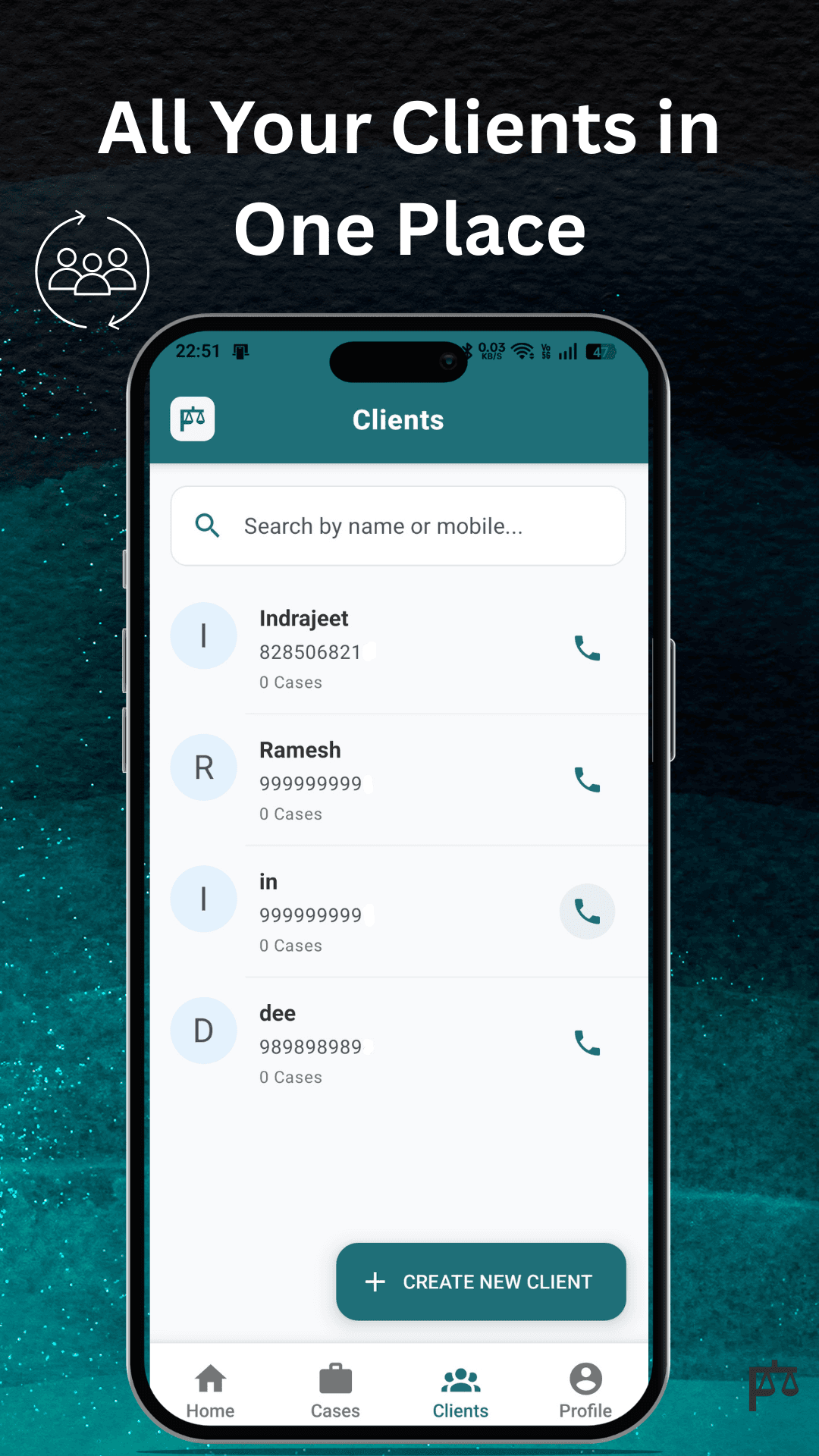
Client & Case Directory
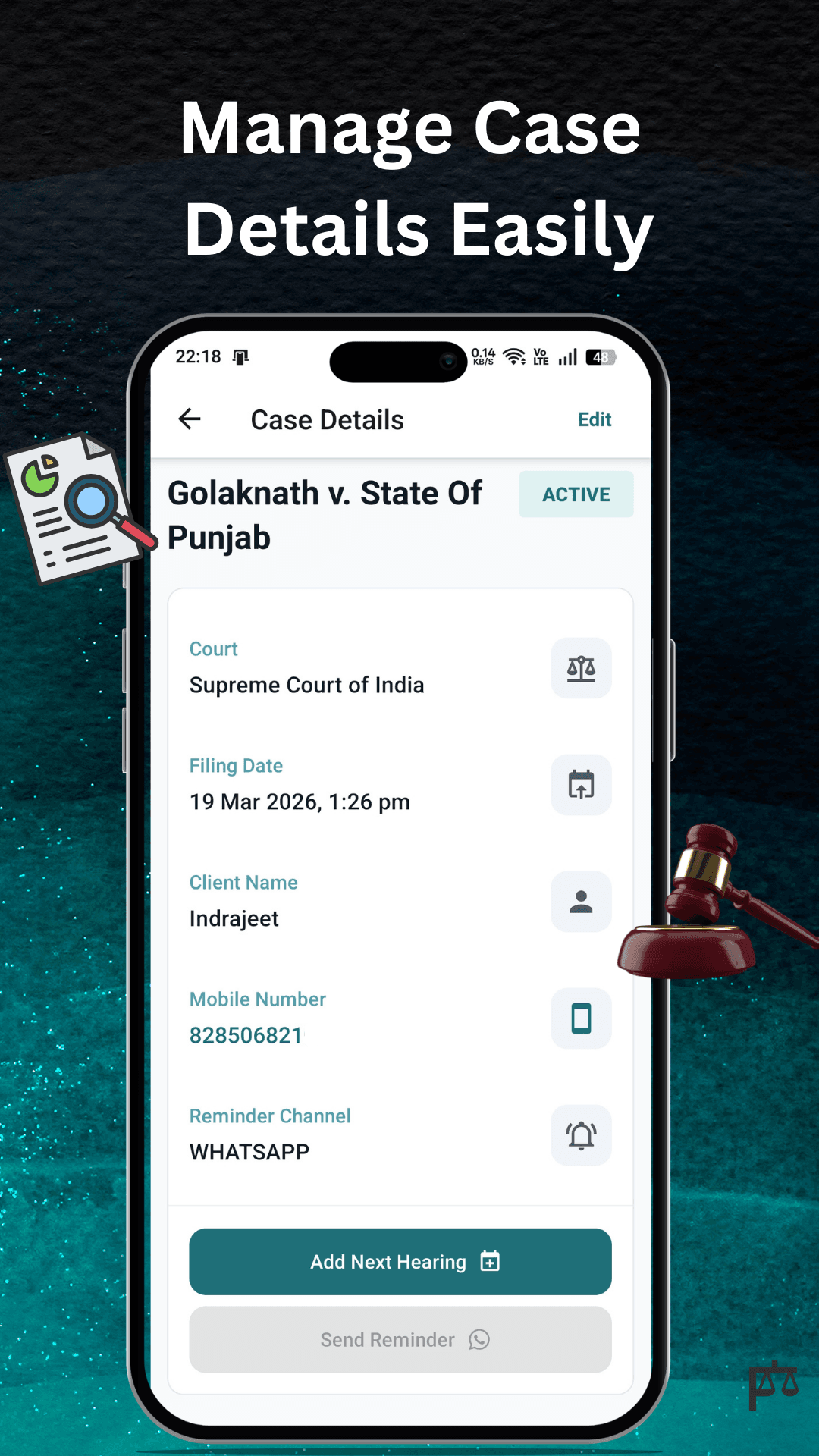
Search and access client directories instantly. Link client contact information directly to their respective active cases for immediate context during calls.
Searchable contacts directory linked directly to cases
One-click calling and messaging right from the case view
Centralized context that replaces scattered chats
APP INTERFACE
Take a look inside the app
FAQ
Frequently Asked Questions
Everything you need to know about getting started with Peshi.
Contact SupportYes. Peshi is designed around matter status tracking so advocates can review cases across draft, active, disposed, and archived states without losing context.
Yes. The hearing dashboard is structured around today's, upcoming, and past hearings so the next date is easier to find and review.
Peshi supports WhatsApp and SMS reminder channels. Reminders can also be disabled for individual cases when preferred.
Yes. Peshi keeps client names, mobile numbers, and linked matter context accessible so follow-up stays easier during a busy day.
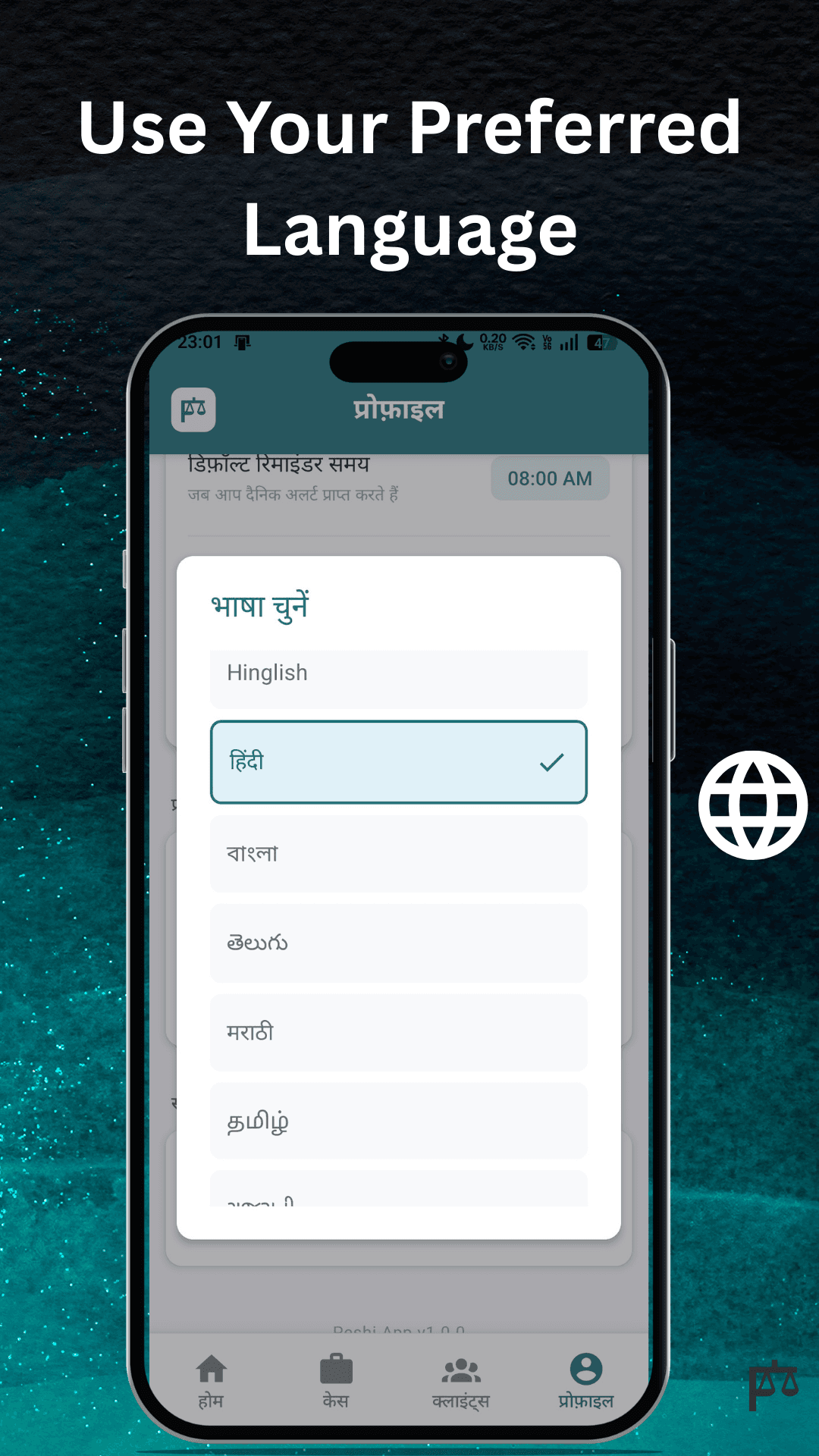
Yes. Peshi includes multilingual experience support so teams can work more comfortably with their preferred language settings.
Peshi uses OTP-based login and onboarding to reduce setup friction while still keeping access controlled and familiar for mobile users.
Ready to Organize Your Practice?
Start managing your cases today.
Try the Peshi dashboard on your desktop web browser, or download our companion app for Android to stay updated on the go.